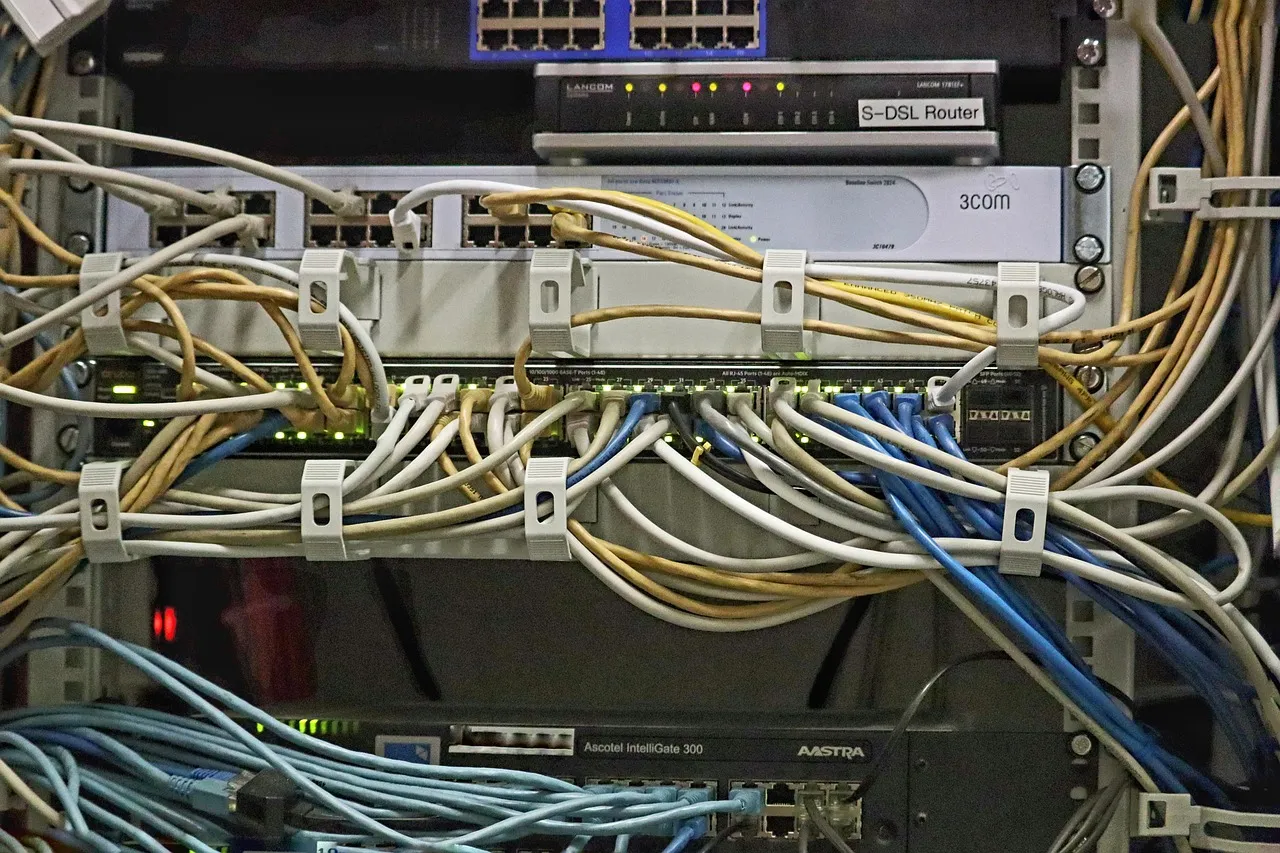
An IP address is to the internet what a postal address is to the physical mail system: a unique identifier that tells the network where to deliver data, without which no two computers could find each other in the vast, decentralized mesh of routers, switches, and fiber-optic cables that constitute the global internet. For anyone purchasing web hosting, understanding what an IP address is in hosting — the difference between shared and dedicated IPs, how DNS translates domain names into IP addresses, what an IP address reveals about your hosting infrastructure, and why IP reputation matters for email deliverability and SEO — transforms a seemingly arcane networking concept into a practical tool for making better hosting decisions. At HostingCaptain, we consistently observe that customers who understand IP addressing fundamentals make more informed choices about hosting plans, troubleshoot connectivity issues more effectively, and avoid the frustration of discovering that their website's IP configuration is causing problems that could have been prevented with five minutes of up-front education. This guide builds that understanding from the ground up, starting with the absolute basics of what an IP address is and progressing to the hosting-specific implications that affect every website owner, whether they realize it or not.
The IP address is the foundational layer of internet communication — it sits below domain names, below HTTP, below web applications, at the level where packets of data are routed across the physical infrastructure of the internet. Every device connected to the internet — your laptop, your phone, the web server hosting your website, the database server that backs it, the DNS server that translates your domain name — has at least one IP address. When a visitor types your domain name into their browser, a chain of lookups and translations converts that human-readable name into an IP address, and then the visitor's browser sends its request to that IP address, and the web server at that address responds with your website's content. This translation layer — the Domain Name System, or DNS — is what makes the web usable by humans, because memorizing 192.0.2.42 is considerably harder than remembering example.com. Mozilla's guide to domain names provides an accessible explanation of how domain names and IP addresses work together, and it is a helpful companion read to the hosting-specific IP concepts covered here. For the most fundamental introduction to web hosting concepts, our simplest explanation of web hosting establishes the vocabulary that this IP addressing guide extends into technical depth.
IPv4 and IPv6: The Two Internet Addressing Systems
The internet currently operates two IP addressing systems in parallel: IPv4, the original system deployed in the 1980s, and IPv6, its modern successor designed to solve IPv4's fundamental limitation — address exhaustion. An IPv4 address is a 32-bit number, conventionally written as four decimal numbers separated by dots, each ranging from 0 to 255: for example, 192.168.1.1 or 8.8.8.8. A 32-bit address space provides approximately 4.3 billion unique addresses, which seemed vast in 1981 when the protocol was designed but proved insufficient as the internet grew to connect billions of devices. The exhaustion of the IPv4 address pool — the global supply of unallocated IPv4 addresses ran out at the IANA level in 2011 and at the regional registry level in subsequent years — has made IPv4 addresses a scarce and traded commodity, with individual IPv4 addresses selling for $30 to $60 on the transfer market as of 2026. This scarcity directly affects web hosting: when a hosting provider assigns a dedicated IPv4 address to your server or hosting account, that address represents a real cost to the provider, which is why dedicated IPs are typically a premium feature rather than a standard inclusion.
IPv6 addresses this scarcity with a 128-bit address space — approximately 340 undecillion addresses, a number large enough to assign a unique address to every atom on the surface of the Earth and still have addresses left over. An IPv6 address is written as eight groups of four hexadecimal digits separated by colons: for example, 2001:0db8:85a3:0000:0000:8a2e:0370:7334. The vastness of the IPv6 address space eliminates the scarcity that makes IPv4 addresses expensive, and it enables networking architectures that are difficult or impossible with IPv4 — every device can have a globally routable address without Network Address Translation (NAT), simplifying peer-to-peer applications and eliminating an entire class of network configuration complexity. However, IPv6 adoption, while growing steadily, is not yet universal: as of 2026, approximately 45% to 50% of internet traffic uses IPv6, with adoption concentrated among major content providers, mobile networks, and residential ISPs. Many hosting providers, particularly smaller ones, have been slow to deploy IPv6 due to the operational overhead of maintaining dual-stack (simultaneous IPv4 and IPv6) infrastructure, the compatibility requirements of legacy applications that are IPv4-only, and the simple inertia of infrastructure that works. When evaluating hosting providers, IPv6 support is a useful signal of infrastructure investment and technical currency: providers that offer native IPv6 alongside IPv4 have invested in modern network infrastructure, while providers that are IPv4-only may be operating on older, less-maintained networking stacks.
Shared IP vs. Dedicated IP: The Hosting Decision That Matters
The most consequential IP-related decision in web hosting is whether your website uses a shared IP address — one IP address that serves multiple websites on the same server — or a dedicated IP address assigned exclusively to your hosting account. In shared hosting, the default and most common configuration is shared IP: hundreds or thousands of websites on the same physical server all respond to requests directed at the same IP address, and the web server uses the Host header in the HTTP request (which contains the domain name the visitor typed) to determine which website's content to serve. This is called name-based virtual hosting, and it is the technology that makes shared hosting economically viable — without it, each website would require its own IP address, and the IPv4 address scarcity described above would make shared hosting at current price points impossible. For the vast majority of websites, shared IP hosting works perfectly well and introduces no meaningful disadvantages: the website loads correctly, SSL certificates function through Server Name Indication (SNI), and visitors have no awareness of or reason to care about the IP address configuration.
A dedicated IP address — an IPv4 address assigned exclusively to your hosting account — provides specific advantages that matter in specific scenarios, but it is not universally better than shared IP and is often an unnecessary expense for simple websites. The scenarios where a dedicated IP is genuinely valuable include: running an e-commerce site that needs its own SSL certificate for compatibility with older browsers and systems that do not support SNI (though this concern has diminished dramatically as SNI support has become universal in modern browsers); operating a business website where outbound email deliverability is critical and the IP address's sending reputation affects whether your transactional emails reach inboxes (a shared IP can be blacklisted due to another customer's behavior, affecting your email deliverability); running applications that require direct server access via IP address — certain API integrations, legacy systems, or network configurations that cannot use domain-name-based routing; and implementing advanced SSL configurations, such as for sites that require strict transport security policies or older client compatibility. HostingCaptain provides dedicated IP addresses as an optional add-on for shared hosting plans and as a standard inclusion for VPS and dedicated server plans, and our support team helps customers evaluate whether a dedicated IP provides value for their specific use case rather than recommending it universally. For guidance on reading the fine print of hosting plan feature lists — where IP address configurations are often specified — our guide to reading hosting plan fine print covers the feature descriptions and limitations to watch for.
Illustration: What Is an IP Address in Hosting? A Beginner's GuideHow DNS Connects Your Domain Name to Your Hosting IP Address
The Domain Name System (DNS) is the mechanism that connects the domain name your visitors type into their browsers with the IP address of the server where your website is hosted, and understanding this connection is essential for managing hosting accounts, troubleshooting website unavailability, and migrating between hosting providers without downtime. When you purchase a domain name and purchase hosting, the two services are initially disconnected — your domain name exists as a record at a domain registrar, and your hosting account exists on a server at a hosting provider, and the two have no relationship until you configure DNS records to link them. The most important DNS record for web hosting is the A record (Address record), which maps a domain name to an IPv4 address. An A record for example.com pointing to 192.0.2.42 tells the internet's DNS infrastructure: "when someone asks for example.com, tell them to connect to the server at 192.0.2.42." For IPv6, the equivalent record is the AAAA record (quad-A record), which maps a domain name to an IPv6 address. When a hosting provider gives you the "nameservers" or "DNS settings" for your account, they are providing the IP addresses where your DNS records should be managed, and the A record pointing to your hosting server's IP address is the critical record that makes your website accessible at your domain name.
The practical hosting implication of DNS is that changing hosting providers — or changing the server that hosts your website within the same provider — requires updating your DNS A record to point to the new server's IP address. DNS changes propagate through the global DNS system over a period called the Time to Live (TTL), which is the duration that DNS resolvers are instructed to cache the old IP address before checking for an update. A typical TTL for an A record is 300 to 3,600 seconds (5 minutes to 1 hour), meaning that after you update your A record, some visitors will continue to be directed to the old server for up to the TTL duration. During this propagation window, having both the old and new servers running and serving identical content prevents visitors from seeing errors or outdated pages — a technique that is standard practice for professional website migrations. If the old server is decommissioned before DNS propagation completes, visitors whose DNS resolvers still have the old IP address cached will see connection errors rather than your website, which is why HostingCaptain's migration support includes guidance on managing DNS TTL and maintaining both environments during the transition window. For readers who need to explain hosting concepts to non-technical stakeholders, our guide to explaining web hosting to clients includes IP and DNS concepts translated into accessible language.
IP Address Reputation and Its Impact on Email and SEO
The IP address from which your website and email are served carries a reputation score — an assessment maintained by email providers, spam filters, security services, and even search engines — that affects whether your emails reach inboxes and, to a lesser extent, how your website is treated by automated security systems. IP reputation is the reason that shared IP addresses can be problematic for business-critical email: if the shared IP address used by your hosting server becomes blacklisted because another customer on the same server sent spam, every domain on that IP address suffers the consequences — their legitimate transactional emails, password resets, and customer communications are blocked or filtered as spam. This is not a hypothetical scenario; it happens regularly on shared hosting platforms, and it is the single most common reason that businesses using shared hosting for email eventually migrate to dedicated email services or dedicated IP addresses. A dedicated IP address isolates your email sending reputation from other customers' behavior — your IP reputation is determined solely by your own email practices — which makes it the appropriate configuration for businesses where email deliverability directly affects revenue.
The relationship between IP address and search engine optimization (SEO) is frequently misunderstood and overstated. Google has explicitly stated that shared IP addresses do not negatively affect search rankings — the search engine evaluates websites individually based on their content, not collectively based on their IP neighbors. The historical concern about "bad neighborhood" effects — where a website on a shared IP with spam or malware sites would be penalized — was more theoretical than practical even when it was widely discussed, and it is not a factor in modern search algorithms. However, IP address does affect SEO indirectly through two mechanisms: site speed (a hosting server on a congested network with poor peering will deliver slower page loads, which does affect rankings) and geolocation signals (the IP address's physical location can influence which country-specific version of search results your site appears in, though this signal is substantially weaker than domain TLD and content language signals). For practical hosting purposes, the SEO impact of your IP address configuration is negligible compared to the impact of your site's content, performance, and user experience — and the money spent on a dedicated IP for SEO purposes alone would be better invested in content creation or site optimization.
Static vs. Dynamic IP Addresses in Hosting
In the context of web hosting, the distinction between static and dynamic IP addresses matters for server administration, DNS configuration, and application architecture. A static IP address is one that does not change — the server at that address will always be reachable at the same IP, unless the hosting provider or network configuration is deliberately modified. A dynamic IP address is one that can change — the server may receive a different IP address when it reboots, when its DHCP lease expires and renews, or when the hosting provider reconfigures its network infrastructure. For web hosting servers — shared hosting nodes, VPS instances, and dedicated servers — static IP addresses are the universal default, because a web server whose IP address changes unpredictably would break DNS configurations, SSL certificate bindings, API whitelists, and any service that relies on connecting to a stable endpoint. When a hosting plan advertises "one IPv4 address," that address is static — it will not change for the duration of your hosting relationship unless you explicitly request or are assigned a different address as part of a server migration or plan change.
Dynamic IP addresses are relevant to hosting primarily in the context of residential or small-office internet connections used for self-hosting. If you are running a web server from your home internet connection — which most residential ISP terms of service prohibit, but which some hobbyists and small projects do nonetheless — your ISP almost certainly assigns you a dynamic IP address that changes periodically. Running a publicly accessible website on a dynamic IP requires a Dynamic DNS (DDNS) service that monitors your IP address and updates your DNS A record automatically when it changes — a configuration that introduces additional points of failure and latency compared to hosting on infrastructure with static IP addresses. The practical advice for anyone considering self-hosting is that the cost of even the most basic shared hosting plan from HostingCaptain ($5 to $10 per month) is lower than the electricity cost of running a home server 24/7, and the reliability, security, and IP stability that commercial hosting provides make it the correct choice for any website where uptime matters. For a comprehensive introduction to the hosting environment where IP addressing decisions are made, our complete shared hosting guide covers the infrastructure and configuration options available to website owners.
Practical IP Address Tasks for Hosting Customers
Every hosting customer eventually needs to perform a small set of IP-related tasks, and knowing how to do them efficiently saves time and support tickets. Finding your website's current IP address can be done through several methods: your hosting control panel's account information page typically displays the server's IP address; the command-line tools ping (Windows: ping yourdomain.com, which resolves the domain to its IP address) or nslookup (nslookup yourdomain.com) provide the IP address from DNS resolution; and online tools like whatsmydns.net show how your domain resolves from different global locations, which is useful for verifying DNS propagation after making changes. Creating an A record to point your domain to your hosting IP address is done through your DNS management interface — either at your domain registrar if you manage DNS there, or at your hosting provider if you use their nameservers — by creating an A record with the hostname (typically @ for the root domain or www for the www subdomain) and the destination IP address provided by your hosting provider.
When migrating between hosting providers, the IP address workflow is: identify your new hosting server's IP address (provided by the new provider during account setup), reduce the TTL on your existing DNS A records to 300 seconds (5 minutes) at least 24 hours before the migration to accelerate propagation, set up your website on the new server and verify it works by accessing it via the new IP address directly (using a hosts file entry or a temporary test URL), update your DNS A record to point to the new IP address, wait for the TTL to expire and verify that DNS resolution is returning the new IP address, and only then decommission the old hosting account. This workflow ensures zero-downtime migration by maintaining both environments during the DNS propagation window, and it is the procedure that HostingCaptain's migration support team guides customers through for every incoming migration. The key insight is that DNS — not file transfer or database export — is the component that determines whether a hosting migration results in visitor-facing downtime, and managing the DNS transition carefully is the distinguishing characteristic of professional website operations.
Frequently Asked Questions
What is an IP address in web hosting?
An IP address in web hosting is the unique numerical identifier assigned to the server that hosts your website, functioning as the internet's addressing system that allows browsers and other clients to locate and connect to your server. When a visitor types your domain name, DNS translates that name into your hosting server's IP address, and the visitor's browser uses that IP address to establish a connection and request your website's content. Every hosting account — shared, VPS, or dedicated — is associated with at least one IP address, though whether that address is shared with other websites (shared IP) or dedicated exclusively to your account (dedicated IP) depends on your hosting plan and configuration. The IP address is the network-level identifier that makes your website reachable; without it, your domain name would be a label with no destination, and your website would be invisible to the internet.
Do I need a dedicated IP address for my website?
Most websites do not need a dedicated IP address and function perfectly well on shared IP hosting, which is the standard configuration for shared hosting plans. A dedicated IP address provides specific value in specific scenarios: if you need to run an e-commerce site with its own SSL certificate for maximum compatibility with older payment terminals and systems; if your business relies on outbound email deliverability and you want to isolate your email sending reputation from other customers on the shared IP; if you are running applications that require direct server access via IP address for API integrations or legacy system compatibility; or if you need to implement advanced SSL configurations that require a dedicated IP. For a standard WordPress blog, portfolio, or small business brochure site, a shared IP with a Let's Encrypt or Sectigo SSL certificate delivered via SNI is completely adequate, and the cost of a dedicated IP — typically $2 to $5 per month — is better allocated to other hosting features that deliver more tangible benefits. HostingCaptain offers dedicated IP addresses as an optional add-on and can help you evaluate whether your specific use case benefits from one.
Can my hosting IP address affect my website's search engine ranking?
The direct impact of your hosting IP address on search engine rankings is minimal to nonexistent. Google's search algorithms evaluate websites individually based on their content, structure, performance, and user experience — not collectively based on the IP address they share with other websites. The historical concern about shared IP "bad neighborhoods" — where a site sharing an IP with spam or malware sites would be penalized — is not a factor in modern search ranking and has been explicitly addressed by Google as a myth. However, IP address does affect SEO indirectly through site speed: a hosting server with poor network connectivity or overloaded resources will deliver slower page loads, which does negatively affect search rankings. The geolocation of an IP address also provides a weak signal that may influence which country-specific search results a site appears in, though content language and domain TLD are much stronger signals. For practical SEO purposes, focus on content quality, site performance, and user experience rather than IP address configuration.
Billy Wallson is a senior operations director with over 15 years of experience scaling remote teams and implementing lean business strategies.
Frequently Asked Questions
This guide covers the practical decision points — pricing, performance, and when it makes sense for your situation — based on current 2026 data.
Pricing varies by provider and plan tier; see the cost breakdown section above for current ranges and what's actually included at each price point.
Look closely at uptime guarantees, renewal pricing (not just the first-year discount), and how responsive support actually is — all covered in detail in this article.
Hosting Captain has been exceptional for my e-commerce store in Pune. The NVMe SSD speed is
noticeable, and their support team responds within minutes. Highly recommended for any
Indian business!
Ryan John, Pune
Great Value for Money
Switched from a US-based host to Hosting Captain and my website loads 3x faster for Indian
visitors. The free SSL and cPanel are great, and the pricing is unbeatable. Very satisfied
customer!
Priya Mehta, Mumbai
Reliable VPS Hosting
I've been using their VPS plan for 2 years now. 99.9% uptime is not just a claim — it's
reality. My client projects run without interruption. The KVM virtualization gives me full
control I need.
Amit Kumar, Bangalore
Excellent 24/7 Support
The support team helped me migrate my entire WordPress site at 2 AM without any downtime.
This level of service is rare in Indian hosting. Worth every rupee!
Sunita Patel, Ahmedabad
Perfect for Startups
As a startup, budget matters. Hosting Captain's Business plan covers everything we need —
multiple websites, free SSL, daily backups — at a fraction of what international hosts
charge.
Vikram Singh, Delhi
Professional Dedicated Server
Our high-traffic news portal needed a dedicated server. Hosting Captain's DS Business plan
handles 100K+ daily visitors effortlessly. Their team provisioned everything within 4 hours!
Meena Krishnaswamy, Chennai
Trusted Technologies & Partners
Start Your Website with Hosting Captain
From personal blogs to enterprise solutions, we've got you covered!